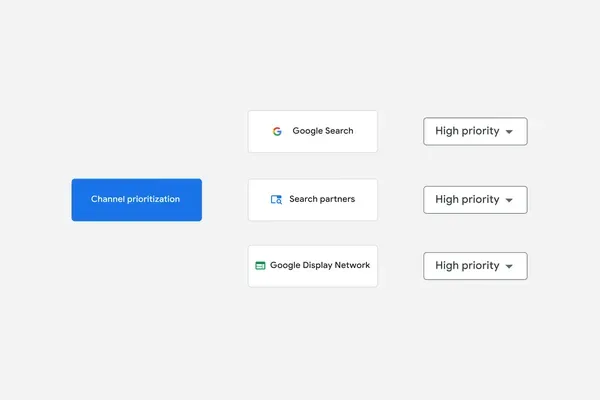
Google Ads has introduced channel priorities and budget allocation, letting advertisers rank inventory as High or Low priority and cap how much of the daily budget a low-priority channel can take. The settings are optional. The rollout is global and takes the coming months, across Search, Shopping, Performance Max and Demand Gen campaigns.
How the priorities work
High-priority channels draw budget in full, up to the target set at Target CPA or Target ROAS. What is left goes to low-priority channels. The controls sit at account and campaign level, shared budgets included. In Search, Google Search, Search partners and the Google Display Network can be placed on separate tiers. In Performance Max and Demand Gen, the Search, YouTube, Maps, Gmail and Discover surfaces move together as 'Google channels'.
Budget allocation sets the maximum share of the daily budget a low-priority channel may take, and the system tries to hold spend inside that cap. It matters for campaigns running Target CPA or Target ROAS without a budget limit, where a priority on its own changes nothing. For affiliates and media buyers the practical case is Search partners and GDN. The choice used to be binary. A channel can now be kept on a cap and tested without burning budget.
What happens with GDN
From February 2027, in Search campaigns with the Google Display Network switched on, the current spend distribution stops applying and channel spend may move. To keep the configuration, GDN has to be set to 'Low priority' with a 50% budget allocation. The update follows Smart Bidding Exploration and campaign total budgets, both of which widened advertiser control over spend.


