agent-ping — плагин для Claude Code: звук, когда агент ждёт ответа
Проигрывает звук и показывает уведомление, когда Claude закончил ответ, задал вопрос или просит разрешение. Можно отойти от ноутбука и вернуться по сигналу.
/plugin marketplace add anthropics/claude-plugins-community
/plugin install agent-ping@claude-communityЧто делает agent-ping
Плагин вешает хуки на четыре события: агент завершил ответ, отправил уведомление, запросил разрешение на действие или упал с ошибкой. На каждое срабатывание играет звук, всплывает системный баннер или и то и другое — зависит от режима оповещения.
Настройки открываются командой /agent-ping:config: включение и выключение целиком, громкость от 0 до 100, отдельные переключатели для событий Stop и Notification, свои файлы звуков в WAV, MP3 или AIFF. На macOS есть опция Respect DND — при активном режиме Focus звуки глушатся, но при первом запуске она потребует разрешений на доступ к спецвозможностям. Громкость работает через afplay на macOS и paplay на Linux; на Windows регулятора нет, звук идёт на системной громкости.
Разработан и протестирован плагин на macOS, поддержка Linux и Windows идёт по остаточному принципу. В приложении Claude Desktop вкладка Code хуки не поддерживает, так что там он не заработает — рабочие среды это CLI и расширения редакторов. Если раньше стояло расширение agent-ping для VS Code, при первом запуске плагин перенесёт настройки и снимет старые хуки сам, но само расширение надо удалить, иначе баннеры и звуки будут дублироваться.
Какие задачи решает
- услышать, что агент закончил длинную задачу, не глядя в терминал
- не пропустить запрос разрешения на опасную команду
- заметить ошибку в фоновом прогоне, пока занят другим
- отключить звук во время режима Focus на macOS
- поставить свои звуки вместо встроенных
Примеры запросов агенту
- Включи звук на завершение ответа и поставь громкость 70
- Открой настройки agent-ping и выключи оповещение об уведомлениях
- Поставь свой файл
done.wavна событие Stop
Как установить agent-ping
Через маркетплейс плагинов
/plugin marketplace add anthropics/claude-plugins-community/plugin install agent-ping@claude-communityПо шагам, с командами для каждой платформы: Плагины Claude Code: маркетплейсы, установка и как собрать свой
Вопросы о agent-ping
Как установить agent-ping в Claude Code?
Сначала добавьте маркетплейс: /plugin marketplace add anthropics/claude-plugins-community, затем установите плагин: /plugin install agent-ping@claude-community. Клонировать репозиторий не нужно, звуки заработают сразу.
Что делает agent-ping?
Слушает хуки Claude на события Stop, Notification, PermissionRequest и StopFailure и подаёт сигнал звуком или системным баннером, когда агенту нужно ваше внимание.
Почему не играет звук?
Проверьте через /agent-ping:config, что плагин включён и нужное событие не отключено, и посмотрите системную громкость. На Windows отдельной регулировки громкости у плагина нет.
Исходный текст
SKILL.md · MIT
# Agent Ping [](https://github.com/DavidWilsby/agent-ping/releases) [](https://github.com/DavidWilsby/agent-ping) [](LICENSE) **Platforms:** macOS · Linux · Windows 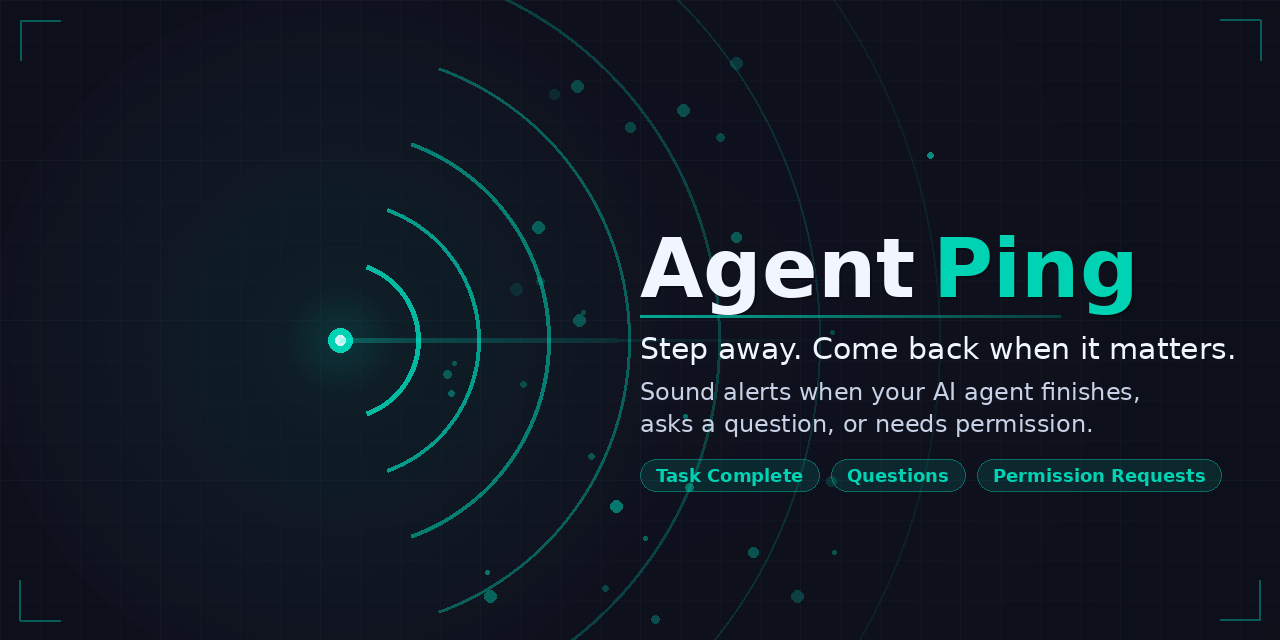 Sound alerts and OS notifications when Claude needs your attention — so you can step away and come back when needed. Works across Claude Code CLI and all editors (VS Code, Cursor, Windsurf, JetBrains). - **Zero config** — install and it just works, sounds play automatically - **Four events** — stop, notification, permission request, and error - **Customizable** — choose sounds, set volume, toggle OS notification banners - **Cross-platform** — macOS, Linux, and Windows support --- ## ⚡️ Quick start ``` /plugin marketplace add DavidWilsby/agent-ping /plugin install agent-ping ``` Sounds will play automatically — no further setup needed. You don't need to clone this repo. **Test it** — Ask Claude "What is 2 + 2?" — you should hear the stop sound when it replies. To configure settings interactively: ``` /agent-ping:config ``` --- ## 🧹 Uninstall ``` /plugin uninstall agent-ping ``` --- ## ⚙️ Settings Run `/agent-ping:config` to open the interactive settings menu. | Setting | Description | Default | | ------- | ----------- | ------- | | **Enabled** | Enable or disable Agent Ping entirely | On | | **Alert Mode** | Play a sound, show an OS notification banner, or both | Sound | | **Respect DND** | Suppress sounds when any macOS Focus mode is active (notification banners are managed by macOS). Requires macOS accessibility permissions on first use. | Off | | **Volume** | Global volume for all sounds (0 = mute, 100 = full volume) | 50 | | **Notification Enabled** | Enable or disable the Notification event sound | On | | **Idle Prompt Enabled** | Play the notification sound when Claude is waiting for input | Off | | **Stop Enabled** | Enable or disable the Stop event sound | On | | **Custom Sounds** | Set custom sound file paths (WAV, MP3, AIFF) for stop and notification events | Bundled defaults | --- ## 🔍 How it works Agent Ping registers Claude Code hooks for four events: | Event | When it fires | | ----- | ------------- | | **Stop** | Claude finishes responding | | **Notification** | Claude sends a notification (filtered to actionable types only) | | **PermissionRequest** | Claude needs your permission to proceed | | **StopFailure** | Claude encounters an error and needs attention | When a hook fires, Agent Ping plays a sound and/or shows an OS notification based on your alert mode setting. --- ## 📱 Platform notes > **Note:** Agent Ping is developed and tested on macOS. Linux and Windows support is provided on a best-effort basis. Bug reports and pull requests are welcome. | Platform | How sound plays | Volume control | Notification banners | Focus / DND | | -------- | --------------- | -------------- | -------------------- | ----------- | | macOS | `afplay` — built in | Supported | `terminal-notifier` (bundled) with app icon | Supported — sounds suppressed during any Focus mode; banners filtered by macOS | | Windows | PowerShell — built in | Not supported — uses system volume | PowerShell toast | Not supported | | Linux | `paplay` (PulseAudio) or `aplay` | `paplay` supported, `aplay` uses system volume | `notify-send` with app icon | Not supported | --- ## 🔄 Migrating from the VS Code extension If you previously used the Agent Ping VS Code extension (v1.4.x or earlier): 1. Install the plugin (see [Quick start](#quick-start) above) 2. The plugin automatically copies your settings and removes the old hooks on first run 3. Uninstall the old extension: - VS Code: `code --uninstall-extension dawi.agent-ping-vscode` - Cursor: `cursor --uninstall-extension dawi.agent-ping-vscode` - Windsurf: `windsurf --uninstall-extension dawi.agent-ping-vscode` 4. Optionally remove the global npm package: `npm uninstall -g agent-ping-vscode` --- ## 🐛 Troubleshooting **No sound plays** — Run `/agent-ping:config` and check that **Enabled** is on and the relevant event (Notification or Stop) is enabled. Check your system volume. **Wrong sound plays** — Run `/agent-ping:config` and check the Custom Sounds submenu. **Double banners or pings** — If you previously used the VS Code extension, it may reinstall its hooks alongside the plugin's. Uninstall the extension to fix this: `code --uninstall-extension dawi.agent-ping-vscode` (or `cursor` / `windsurf`). **Plugin doesn't work in Claude Desktop app** — Hooks, MCP tools, and skills do not currently work in the Claude Desktop app's Code tab. This is a known platform limitation where the desktop app excludes plugin-scoped settings. See [#27398](https://github.com/anthropics/claude-code/issues/27398). The plugin works fully in the CLI and IDE extensions (VS Code, Cursor, Windsurf, JetBrains). --- ## 👾 Using the VS Code extension (legacy) If you prefer the editor extension, it's still available on [Open VSX](https://open-vsx.org/extension/dawi/agent-ping-vscode) and works with VS Code, Cursor, and Windsurf. The extension is no longer actively developed but remains functional. Extension users can override sounds and volume via environment variables in their shell profile (e.g. `~/.zshrc`): ```bash export AGENT_PING_VOLUME=75 export AGENT_PING_STOP_SOUND=/path/to/sound.wav export AGENT_PING_NOTIFICATION_SOUND=/path/to/sound.wav ``` --- ## 📄 License [MIT](LICENSE)
© DavidWilsby · MIT · DavidWilsby/agent-ping


